
Try On Twin
Picture a garment on a person.
See the inputs alongside an illustrative result, then explore the demo store. These are existing app demonstration assets, not a new benchmark or a guarantee of the result every photo will produce.

What the example shows
The left panel shows the person’s starting photograph, the middle panel shows the garment on a product model, and the right panel illustrates the garment on the person from the starting photograph.
A short walkthrough
A captioned walkthrough of existing product and setup images. It is not a recording of a live generation or a speed test.
Read the video transcript
- Existing product example: a person’s photo + a garment photo → an AI-generated try-on preview. The result illustrates appearance, not garment size or physical fit.
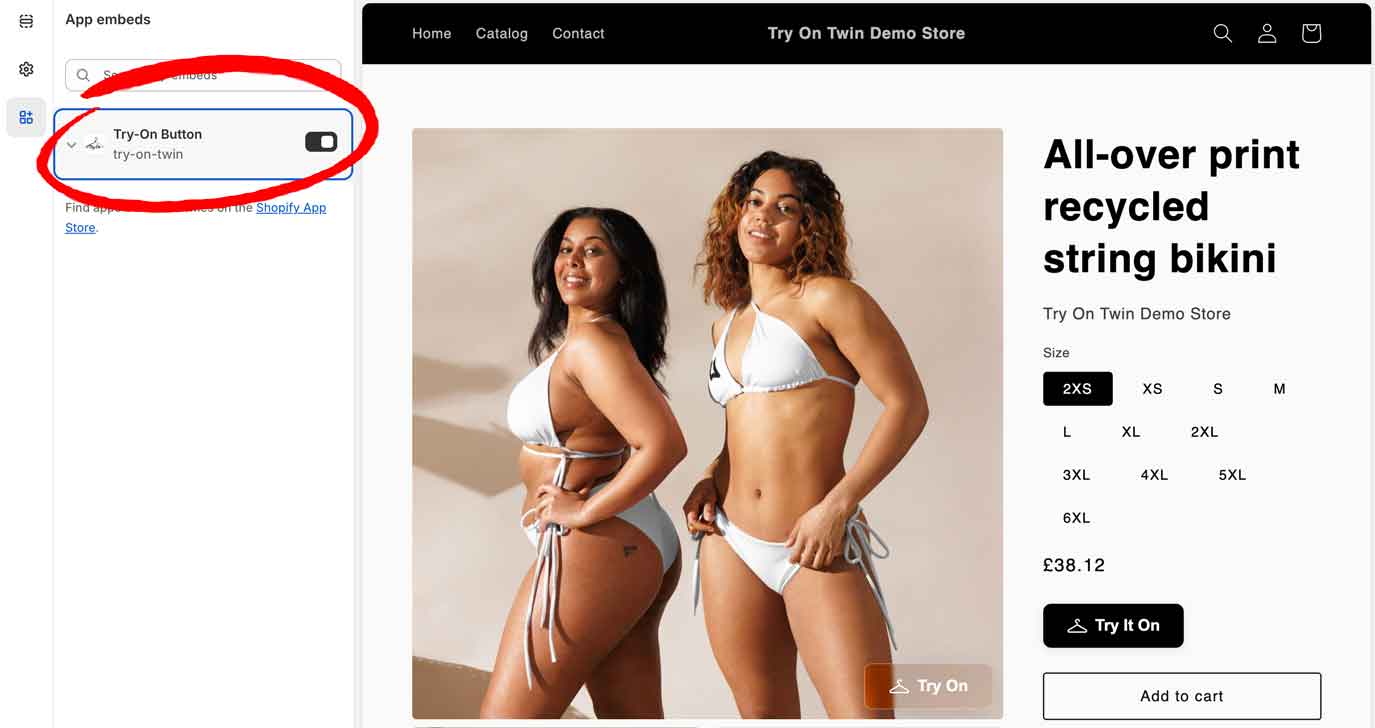
- Enable the app embed in Shopify’s theme editor and save the theme.
- Choose and approve a subscription, then test the product-page preview button.
- AI-generated try-on previews illustrate appearance. They do not measure the customer, recommend a size or guarantee garment fit. Shoppers should still use your size chart and garment measurements.
The button on a product page
Made for Shopify merchants
Bring the look closer.
Explore the examples, check the plans and try the workflow on your store.